The Complete Guide to Git Pickup Lines
Forget cheesy bar pickup lines — if you really want to impress that cute developer at the meetup, just start talking about your rebase strategy. Here's every romantic thing you can say with version control terminology.
Let's be honest: if you've ever tried to flirt with someone at a tech conference, you know the struggle. Regular pickup lines feel hollow. But version control? That's a language developers speak fluently, and it's packed with terminology that sounds ridiculously romantic if you squint at it right.
Why Git Makes the Perfect Wingman
Git wasn't designed for love. It was designed for tracking changes in codebases. But somewhere along the way, developers started noticing that terms like "push," "pull," and "force push" have... other connotations. And honestly? The metaphor potential is untapped gold.
The beautiful thing about git pickup lines is that they're honest. You're not pretending to be something you're not. You're a developer. You live in terminals. You might as well speak your truth.
The Most Powerful Command: git init
Every good relationship starts somewhere. In git, that place is git init.
git init
Initialized empty repository in ./our-love-story.git
That's not just a command — that's a commitment. (Sorry, not sorry.)
The pickup line writes itself: "Are you a git repository? Because I want to git init something special between us."
Is it cheesy? Absolutely. Will it work on exactly the right person? 100%. That person will laugh, roll their eyes, and suddenly you're having a conversation about favorite version control systems instead of standing alone by the snack table.
Branching Out: The Most Romantic Git Concept
Here's where git really shines for romantic purposes. The entire branching model is basically a metaphor for relationships.
Think about it: you meet someone, you create a new branch, and you start building something together. Maybe your main branch stays stable while you experiment on a feature branch. Maybe you do a pull request to merge your lives. Maybe — just maybe — you hit a merge conflict and have to actually talk about what you want.
Sound familiar? It should. Because good version control and good relationships both require communication, patience, and the occasional git stash when you need space.
The real power move? Knowing when to branch and when to merge. A developer who understands git branching understands commitment. That's hot.
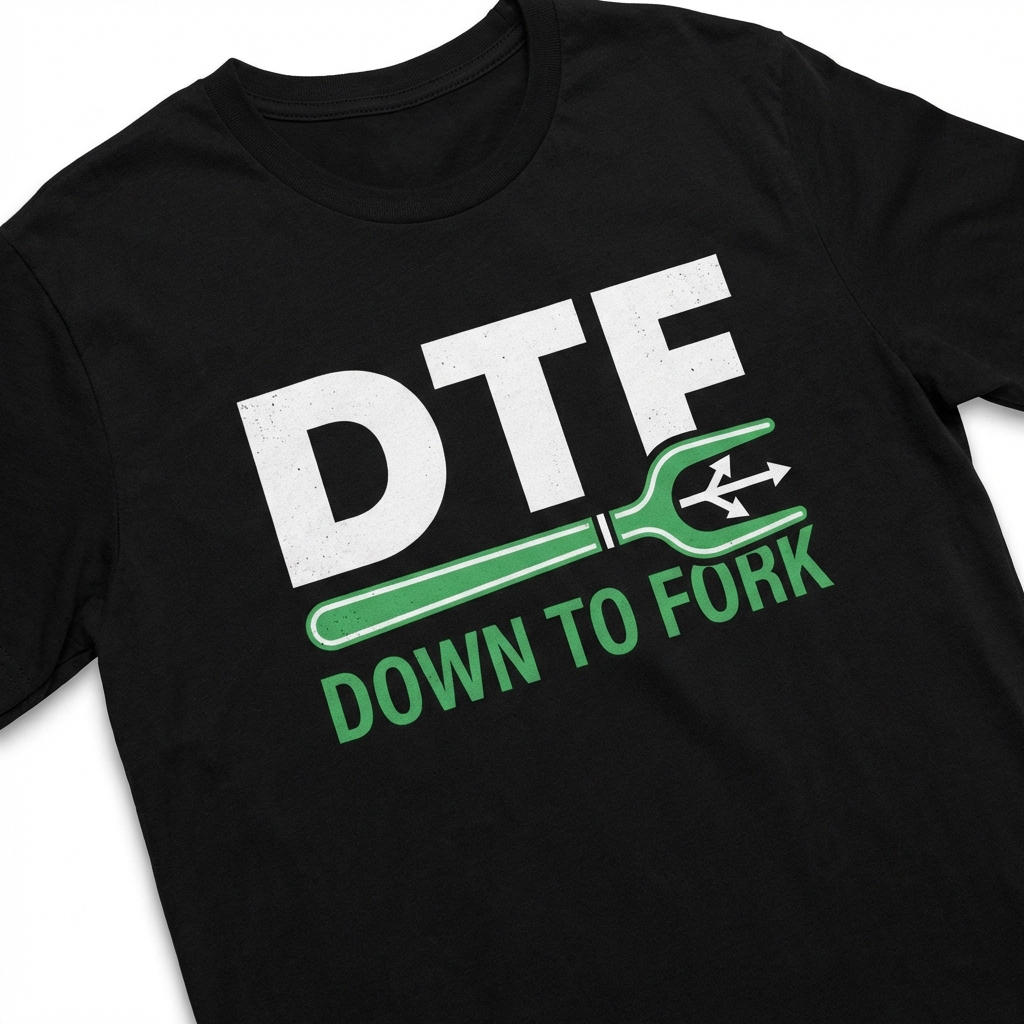
And if you really want to make an impression, wear something that signals you get it. Check out our DTF Down to Fork tee — because some of us are committed to the fork, even when things get branched.
Commit Early, Commit Often
This is actual good advice for both version control AND relationships. Don't wait until everything is perfect. Make small commits. Check in regularly. Communicate often.
In git:
`
git commit -m "Added: I was thinking about you all afternoon"
git commit -m "Fixed: My reaction time when you text back"
git commit -m "Refactor: How I think about you (improved performance)"
`
In relationships: text back. Show up. Check in. Don't let things go stale.
The parallel is chef's kiss. And honestly, the developers who "commit early, commit often" in their relationships are the ones who have the healthiest dynamics. Because they're treating their partner like code worth maintaining.
If you're the type who waits until everything is "ready" before communicating? That's not patience. That's tech debt. And we all know how that story ends.
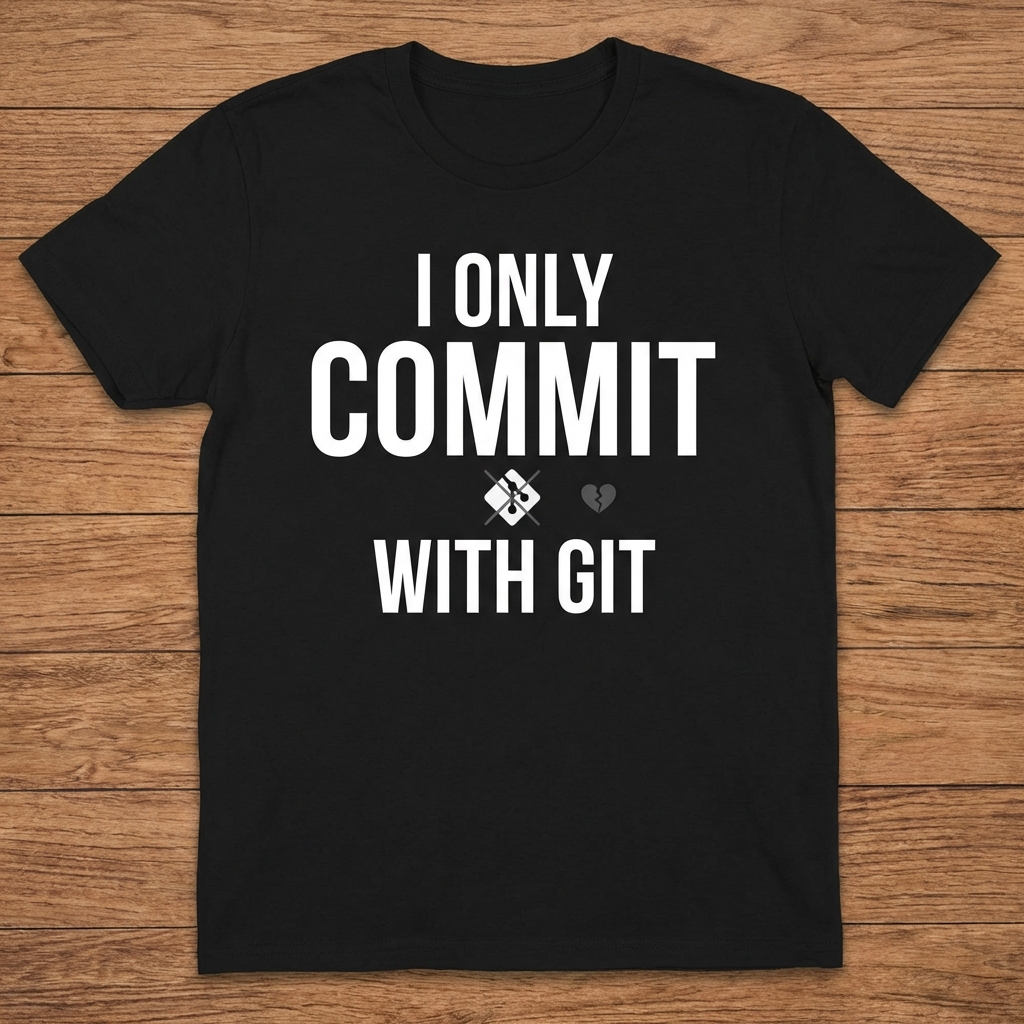
Want a shirt that signals you understand this energy? The Only Commit Git design is calling your name. It's for people who know that meaningful work requires meaningful check-ins.
Merge Strategies for Your Love Life
So you've branched out. You've done your work. Now it's time to merge. But how?
Fast-forward merge: The easy path. No conflicts, just straight progression. Sometimes love is like that — you meet, you connect, you merge cleanly. No drama.
Merge commit: When things get complex, you make a merge commit. Both branches get honored. The history shows what happened. This is the healthy option for big relationship decisions: merging lives, combining households, whatever.
Rebase: The controversial choice. Rewriting history to make things cleaner. Sometimes appropriate. Often risky. Definitely not for beginners.
# The fast-forward approach
git checkout main
# The rebase approach (proceed with caution)
git rebase -i HEAD~3
# Suddenly your entire history looks cleaner
# But did you lose something in the process?
`
The real pro tip? Know when to use each strategy. And know that merge no conflicts is always the goal — not because conflict is bad, but because working through conflict explicitly is often better than burying it.
The Merge No Conflicts tee is for the developer who knows that the cleanest merges require the clearest communication. Rock it with pride.
When Things Go Wrong: The git reflog Era
Let's be real: sometimes relationships have a git reset --hard. Sometimes you make mistakes and need to go back. The git reflog is your friend here — it's the detailed history of everything you've done, even the things you thought were gone.
git reflog
0d2a3f4 HEAD@{0}: reset: moving to HEAD~1
9f8b7c6 HEAD@{1}: commit: Made a huge mistake
7e5d4a2 HEAD@{2}: commit: Things were going so well
The lesson? Even when you mess up, there's a log. There's history. You can find your way back to a good state if you're willing to look at what went wrong.
This is actually solid life advice wrapped in git terminology. Don't delete your history. Learn from it. Use git reflog to recover. And maybe, just maybe, communicate that you're the type of person who keeps good logs before things go sideways.
The Final Commit
Look, git pickup lines aren't going to work on everyone. Some people will stare at you blankly when you say "Are you a pull request? Because I want to review you." That's fine. Those people aren't for you.
But on the right person? In the right room? At the right meetup? They're a signal. They say: I think in code. I appreciate clean architecture. I take version control seriously. And maybe — just maybe — I take commitment seriously too.
The developer who makes a git pickup line work isn't just being funny. They're being honest about who they are. And honestly? That's the most attractive thing of all.
So go forth. Branch out. Commit early. Merge often. And remember: the main branch is where the stable code lives. Don't let anyone tell you otherwise.
Now if you'll excuse me, I have some pull requests to review.
---
P.S. Want to rep your version control values? Browse the NERDMERCH collection for tees that tell the world you're the developer who actually reads the commit history.